
How to Create a New User in WordPress
When you first create a new WordPress site, you are added as a user to that site. Typically, if you are the one that created… Continue Reading How to Create a New User in WordPress
 Kermit Matthews
When you first create a new WordPress site, you are added as a user to that site. Typically, if you are the one that created… Continue Reading How to Create a New User in WordPress

The Home page in Internet Explorer is the first one that you see when you open the browser. If you have never changed that Home… Continue Reading How to Set Your Home Page in Internet Explorer
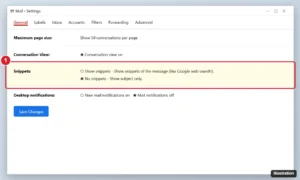
Stop Gmail from showing message previews by setting Snippets to No snippets, turning off the reading pane, and hiding notification previews on your phone. Continue Reading How to Stop Showing Message Previews in Gmail
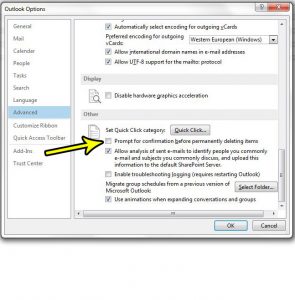
The box you want gone is the one that asks you to confirm a permanent delete, for example when you empty Deleted Items or delete… Continue Reading How to Stop Outlook From Asking Before Deleting Items
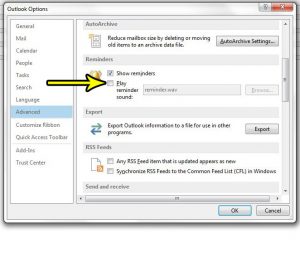
A meeting reminder chimes in a quiet office, and everyone looks up. You can keep the reminder window and lose the noise. In classic Outlook… Continue Reading How to Turn Off the Reminder Sound in Outlook
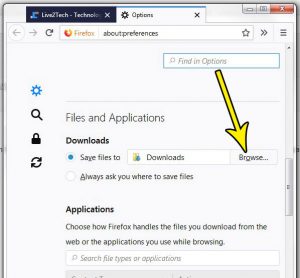
It’s pretty common to download files as you browse the Internet. Whether it’s a file attachment to an email, a PDF from school, or a… Continue Reading How to Change the Firefox Downloads Folder
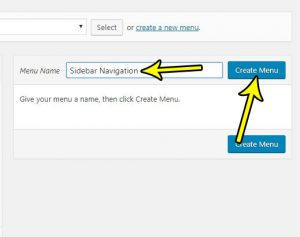
One of the most important elements of a new website is the navigation. Good navigation can take several different forms, but most WordPress site owners… Continue Reading How to Create a Menu in WordPress
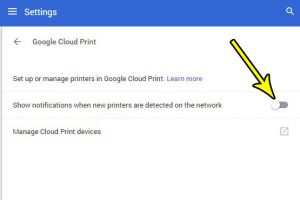
Google Cloud Print is a handy feature in Google Chrome that lets you print to local, network, and even remote printers. Part of the Google… Continue Reading How to Turn Off Google Cloud Print Notifications for New Printers
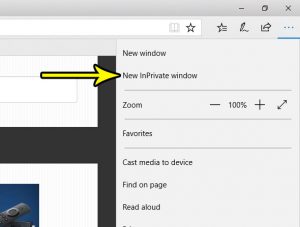
Almost every major Web browser on a desktop, laptop, or smartphone will include an option for private browsing. Whether you want to visit a website… Continue Reading How to Start a Private Browsing Session in Microsoft Edge
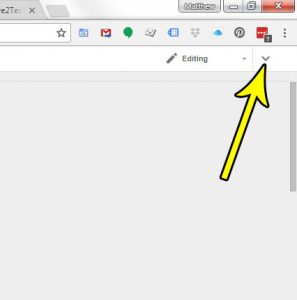
The top menu in Google Docs contains links that expand to provide you with a number of different settings and options for your document. The… Continue Reading Where Did the Top Menu Go in Google Docs?
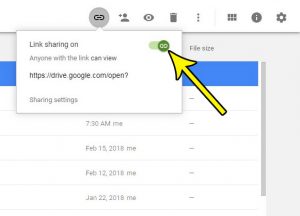
Google Drive makes it very easy for you to share a link to one of the Google Sheets files that you’ve created. Turn on a… Continue Reading How to Stop Sharing a Link to a Google Sheets File
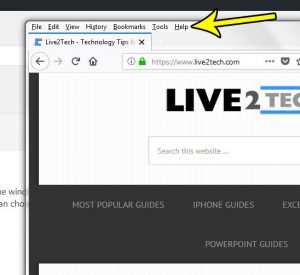
There have been a handful or popular ways to navigate in the programs and applications on your computer, one of which involved a series of… Continue Reading How to Show the Menu Bar in Firefox
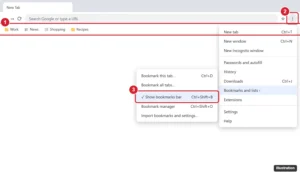
Press Ctrl + Shift + B (Command + Shift + B on Mac), or open the Chrome menu > Bookmarks and lists and uncheck Show bookmarks bar. Plus other options. Continue Reading How to Hide the Bookmarks Bar in Google Chrome
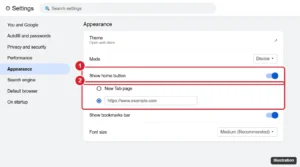
Show or hide the Home button in Google Chrome from Settings > Appearance, choose the page it opens, and change it on Android. Plus troubleshooting. Continue Reading How to Show or Hide the Home Button in Google Chrome
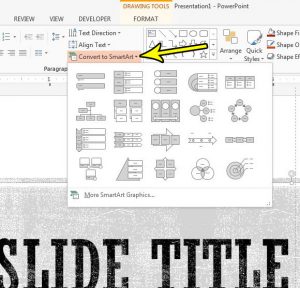
A slide with a plain bulleted list can turn into a process diagram, a cycle or an org chart in a few clicks, without drawing… Continue Reading How to Convert a Text Box to SmartArt in PowerPoint
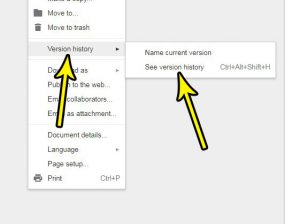
Have you ever made a lot of changes to a document, only to discover later that those changes were unnecessary, or unwanted? Rolling back a… Continue Reading How to View a Document’s Version History in Google Docs
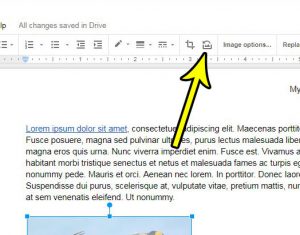
To throw away the changes you made to a picture in Google Docs, right-click the image and choose Reset image. Google says the edited image… Continue Reading How to Reset an Image in Google Docs (Undo All Edits)
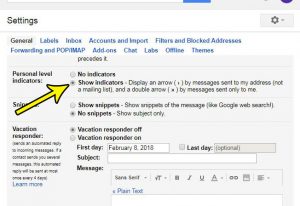
Gmail does a good job of fitting a lot of information into your inbox. You might already be seeing different labels and indicators that let… Continue Reading How to Show Personal Level Indicators in Gmail

Using categorization for the posts you create in WordPress makes it easier for your visitors to find your posts. But these categories don’t exist automatically,… Continue Reading How to Create a New Post Category in WordPress
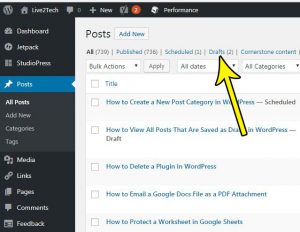
A WordPress content management system provides a simple interface for navigating the content of your site. if your site incorporates posts, then you are likely… Continue Reading How to View All Posts That Are Saved as Drafts in WordPress

Delete a WordPress plugin by deactivating and deleting it in Plugins > Installed Plugins, bulk delete, use WP-CLI or FTP, and clean up leftovers. Continue Reading How to Delete a Plugin in WordPress (Safely)
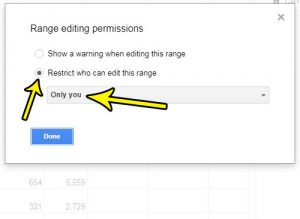
The collaboration feature in Google Sheets makes it easier for a group of people to work on the same file. But if you have shared… Continue Reading How to Protect a Worksheet in Google Sheets
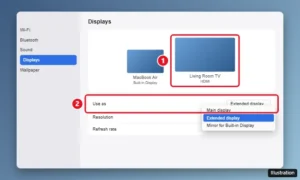
Connect a MacBook Air to a TV with a USB-C to HDMI adapter, then mirror or extend the screen, send sound to the TV, fix picture size and use the lid closed. Continue Reading How to Connect a MacBook Air to a TV With HDMI
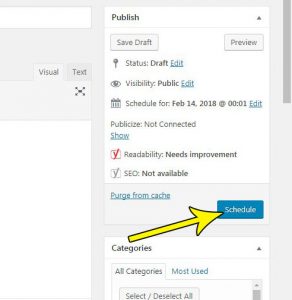
WordPress is an incredibly popular option when it comes to building your own website. Most Web hosts offer a one-click WordPress solution, there are a… Continue Reading How to Schedule a Post in WordPress

Change line and paragraph spacing in a PowerPoint text box with the Line Spacing button or Paragraph dialog, stop AutoFit, and set spacing for every slide. Continue Reading How to Change Line Spacing in a PowerPoint Text Box
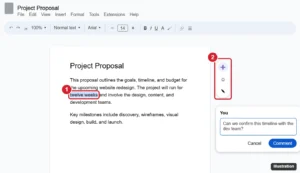
Add a comment in Google Docs with the margin button or Ctrl + Alt + M, then mention people, assign tasks, reply, resolve, and view comment history. Continue Reading How to Add a Comment in Google Docs (Desktop and Mobile)
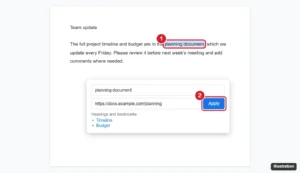
Add a hyperlink in Google Docs with Ctrl+K or Insert > Link, link to headings and bookmarks, edit or remove links, and add links in the mobile app. Continue Reading How to Add a Hyperlink in Google Docs
Remove cell shading in Google Sheets: select cells and click Fill color > Reset, or press Ctrl + \ to clear formatting. Plus banding and rule fixes. Continue Reading How to Remove Cell Shading in Google Sheets
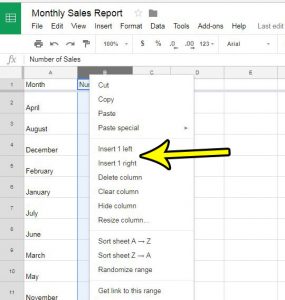
When you first create a spreadsheet you probably have a general idea of the information you need, and what will be included in the sheet.… Continue Reading How to Insert a Column in Google Sheets
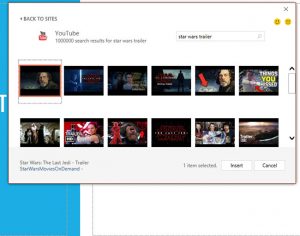
Video is becoming more and more popular, with YouTube being the largest source of videos online. You can find relevant videos for almost any topic… Continue Reading How to Embed a YouTube Video in Powerpoint 2016
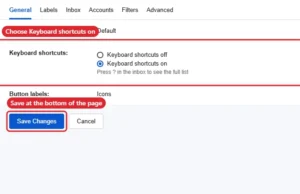
Turn Gmail keyboard shortcuts on or off in Settings > See all settings > General, then Save Changes. Includes key shortcuts and custom keys. Continue Reading How to Enable or Disable Keyboard Shortcuts in Gmail

Stop repeated text alerts on iPhone in Settings > Notifications > Messages > Customize Notifications > Repeat Alerts > Never, and quiet busy chats. Continue Reading How to Stop iPhone Text Message Alerts From Repeating
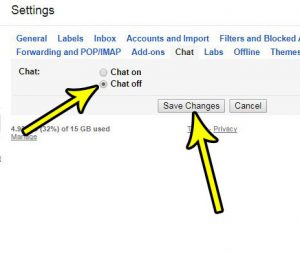
The Gmail interface can be a little intimidating to people that are new to the email service but, overtime, you become familiar with it and… Continue Reading How to Turn Off Chat in Gmail
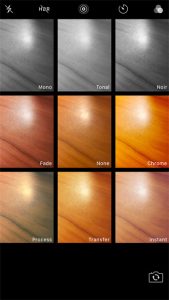
What you see when you look for filters depends on your iPhone. On iPhone 12 models and earlier, the Camera app offers filters such as… Continue Reading How to Change the Camera Filter on iPhone
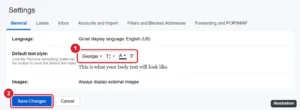
Change the default font in Gmail under Settings > General > Default text style. Set font, size, and color, and fix a default that won’t stick. Continue Reading Set a Default Font, Size and Color for Gmail Emails
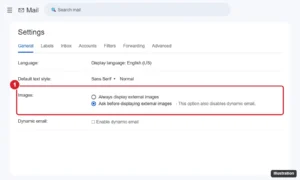
Make Gmail ask before displaying external images on a computer, Android, or iPhone to block tracking pixels, and learn what changes when you do. Continue Reading How to Make Gmail Ask Before Displaying External Images
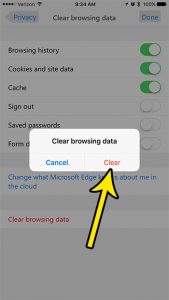
Wipe Edge’s data from its own Settings, under Privacy & security: the Clear browsing data screen lets you choose which kinds of data go, such… Continue Reading How to Clear Browsing Data in the Microsoft Edge iPhone App
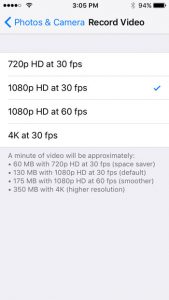
Filming something that only happens once, like a graduation or a wedding toast? The highest video resolution on any iPhone is 4K. What changes from… Continue Reading What Is the Highest Video Resolution on iPhone?
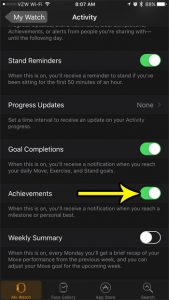
Completing all of the goals and meeting your Move, Exercise, and Stand goals on the Apple Watch can be a satisfying experience. This reward system… Continue Reading How to Enable Activity Achievements on the Apple Watch

Set the iPhone Camera timer to 3, 5 or 10 seconds from the Camera Controls button, spot an older layout with 3s and 10s only, and turn the timer off again. Continue Reading How to Set a Timer for a Picture on iPhone

Use the Camera Remote app on Apple Watch to control your iPhone camera: preview, focus, zoom, use the timer, switch cameras, record video, and fix connections. Continue Reading Take iPhone Photos From Your Apple Watch With Camera Remote
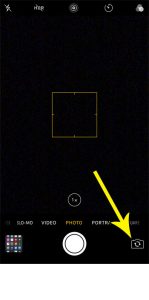
You open Camera to photograph a menu and your own face fills the screen, or you want a selfie and the phone shows the ceiling.… Continue Reading How to Switch Between the Front and Back Camera on iPhone
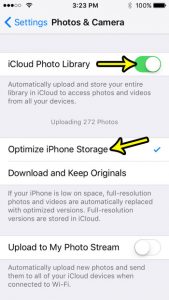
When the Photos library is the biggest thing on your iPhone, the Optimize iPhone Storage setting is the fix built into iOS. It keeps the… Continue Reading How to Optimize iPhone Storage for Photos
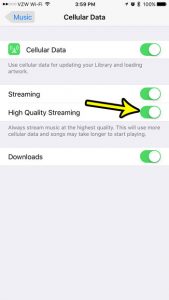
Apple Music’s streaming quality now lives in Settings > Apps > Music > Audio Quality. There you can turn on Lossless Audio and choose the… Continue Reading How to Stream Higher-Quality Audio in Apple Music on iPhone
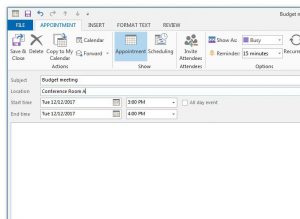
When you need to block time for yourself (a dentist visit, a focus session, a school pickup) and nobody else needs an invitation, create an… Continue Reading How to Create an Appointment in Outlook
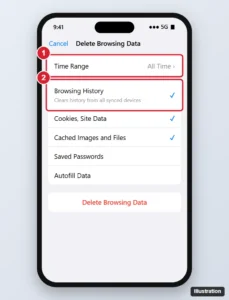
Delete Chrome browsing history on iPhone for any time range, choose which data to clear, remove individual sites, and manage synced history and activity. Continue Reading How to Delete Browsing History in Chrome on iPhone
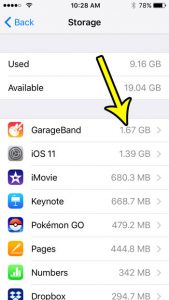
When the “Storage Almost Full” alert appears, it is natural to suspect Apple’s own apps, since you never chose to install most of them. To… Continue Reading How Much Storage Do Built-In Apps Use on iPhone?
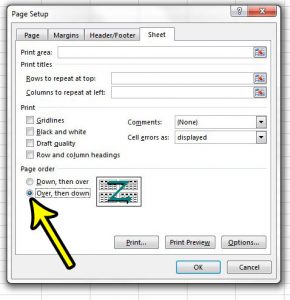
You print a wide sheet, pick up the stack, and the pages make no sense: every page of the left-hand columns comes first, and the… Continue Reading How to Change Page Order in Excel
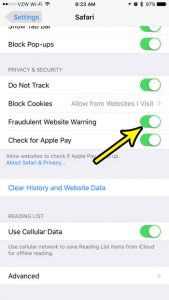
Want to know if Safari is already watching for fake websites? Open Settings, tap Apps, tap Safari, and look at the Fraudulent Website Warning switch.… Continue Reading How to Turn On Safari’s Fraudulent Website Warning on iPhone
