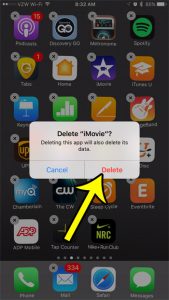
How to Delete iMovie From Your iPhone
Deleting iMovie also deletes the projects stored inside it, so export or share any project you want to keep before you remove the app. After… Continue Reading How to Delete iMovie From Your iPhone
How-to guides and tutorials to help you perform specific tasks and use your IPhone 7 smartphone and applications.
Deleting iMovie also deletes the projects stored inside it, so export or share any project you want to keep before you remove the app. After… Continue Reading How to Delete iMovie From Your iPhone
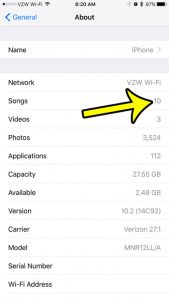
The Songs list in the Music app doesn’t show an obvious total, so the quickest place to look is Settings: tap General, then About, and… Continue Reading How to See How Many Songs Are on Your iPhone
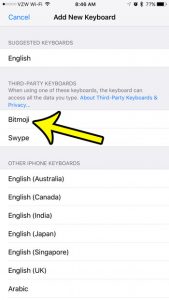
To use Bitmoji on an iPhone you need three things: the Bitmoji app with an avatar you’ve created, the Bitmoji keyboard added in Settings, and… Continue Reading How to Get the Bitmoji Keyboard on iPhone

Set a song as your iPhone alarm sound in the Clock app, see which songs work, change the Sleep schedule wake-up sound, and fix alarms that play the wrong tone. Continue Reading How to Set a Song as Your Alarm on iPhone (Any Model)
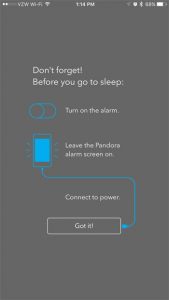
The alarm clock on your iPhone is incredibly useful, and may have already replaced any separate alarm clock that you had previously used. You can… Continue Reading How to Use the Pandora App as an Alarm Clock on Your iPhone

Find your iPhone 7 serial number in Settings > General > About, in Finder or iTunes, your Apple Account, or on the box, plus what to do if it won’t turn on. Continue Reading How to Find the Serial Number on an iPhone 7 (5 Ways)
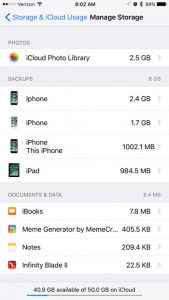
On a current iPhone, open Settings, tap your name, then tap iCloud. The bar graph at the top shows how much of your iCloud storage… Continue Reading How to Check Remaining iCloud Storage on iPhone

See the exact time each text was sent on iPhone by swiping left in Messages, plus how to find dates, delivered and read times. Continue Reading How to See What Time a Text Message Was Sent on iPhone
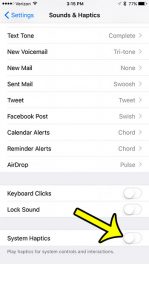
If every switch you flip, every key you type and every long press makes your iPhone tap back at you, start with one setting: open… Continue Reading How to Turn Off Haptic Feedback on iPhone
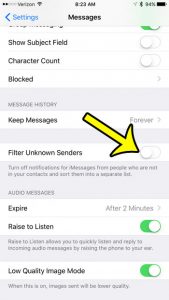
Your iPhone’s Messages app might have two tabs at the top of it, and all of your texts may be split between these two tabs.… Continue Reading How to Remove the Unknown Senders Tab on the iPhone 7
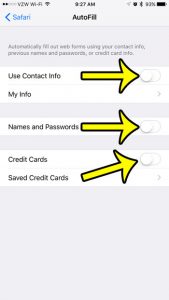
Safari keeps filling in your old address, a card you meant to delete, or a password on a phone the whole family uses. AutoFill has… Continue Reading How to Turn Off AutoFill on iPhone
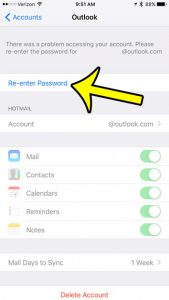
***Traffic here always increases when there is a sign-in issue with a major service provider. Unfortunately, in most cases, there isn’t much you can do… Continue Reading Why Isn’t There an Option to Change My Email Password on My iPhone 7?