Skip to content
Live2Tech
  • iPhone
  • Windows
    • Windows 11
    • Windows 10
  • Office
    • Word
    • Excel
    • Powerpoint
    • Outlook
  • Google
    • Google Docs
    • Google Sheets
    • Google Slides
    • Gmail
    • Chrome
    • Google Drive
  • Mac & Apple
    • Mac
    • iPad
    • Apple Watch
  • All Tutorials

Google

How-to guides and tutorials to help you perform specific tasks and use applications and devices made by Google.

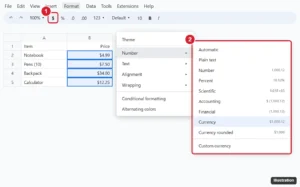
Online spreadsheet with a price column selected, the Format as currency dollar button on the toolbar highlighted, and the Format Number menu open showing Currency, Currency rounded and Custom currency

How to Apply Currency Formatting in Google Sheets

November 12, 2026January 19, 2018 by Kermit Matthews

Apply currency formatting in Google Sheets: select cells and click $ or Format > Number > Currency. Plus custom currencies, locale and accounting. Continue Reading How to Apply Currency Formatting in Google Sheets
Categories Google Sheets
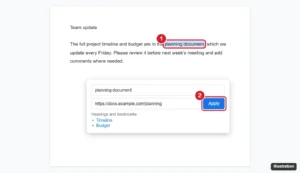
Online document with text selected and the Insert link box open with a URL pasted and the Apply button highlighted

How to Add a Hyperlink in Google Docs

November 10, 2026January 18, 2018 by Kermit Matthews

Add a hyperlink in Google Docs with Ctrl+K or Insert > Link, link to headings and bookmarks, edit or remove links, and add links in the mobile app. Continue Reading How to Add a Hyperlink in Google Docs

Categories Google Docs
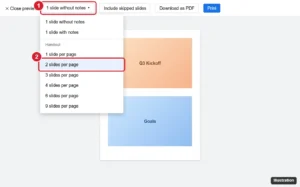
Presentation Print settings and preview toolbar with the layout dropdown open and Handout 2 slides per page highlighted

How to Remove Cell Shading in Google Sheets

November 14, 2026January 16, 2018 by Kermit Matthews

Remove cell shading in Google Sheets: select cells and click Fill color > Reset, or press Ctrl + \ to clear formatting. Plus banding and rule fixes. Continue Reading How to Remove Cell Shading in Google Sheets

Categories Google Sheets
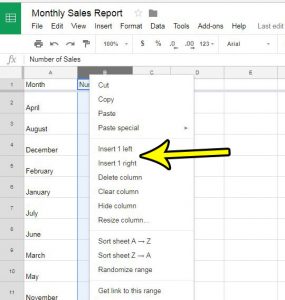
how to insert a column in google sheets

How to Insert a Column in Google Sheets

November 15, 2026January 15, 2018 by Kermit Matthews

When you first create a spreadsheet you probably have a general idea of the information you need, and what will be included in the sheet.… Continue Reading How to Insert a Column in Google Sheets

Categories Google Sheets
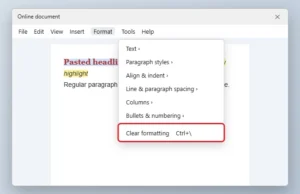
Online document editor Format menu open with Clear formatting highlighted over selected text

How to Remove Formatting in Google Docs

November 16, 2026January 15, 2018 by Kermit Matthews

Clear formatting from selected text in Google Docs with Ctrl + backslash or Format > Clear formatting, reset headings, and paste without formatting. Continue Reading How to Remove Formatting in Google Docs

Categories Google Docs
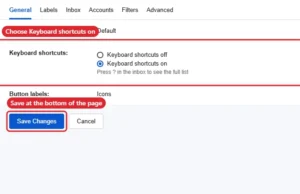
Mail settings General tab with Keyboard shortcuts on selected and Save Changes

How to Enable or Disable Keyboard Shortcuts in Gmail

November 10, 2026January 12, 2018 by Kermit Matthews

Turn Gmail keyboard shortcuts on or off in Settings > See all settings > General, then Save Changes. Includes key shortcuts and custom keys. Continue Reading How to Enable or Disable Keyboard Shortcuts in Gmail

Categories Gmail
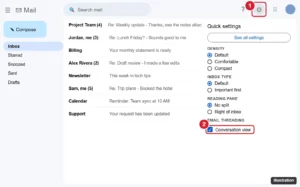
Email web app with the settings gear and the Conversation view checkbox under Email threading highlighted

How to Turn Off Conversation View in Gmail (Web, Android, iPhone)

November 14, 2026January 11, 2018 by Kermit Matthews

Turn off Conversation view in Gmail on the web, Android, and iPhone so each email shows separately, plus what changes and how to fix common issues. Continue Reading How to Turn Off Conversation View in Gmail (Web, Android, iPhone)

Categories Gmail
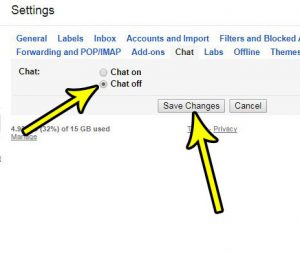
how to turn off chat in gmail

How to Turn Off Chat in Gmail

November 10, 2026January 9, 2018 by Kermit Matthews

The Gmail interface can be a little intimidating to people that are new to the email service but, overtime, you become familiar with it and… Continue Reading How to Turn Off Chat in Gmail

Categories Gmail
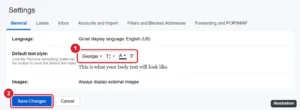
Gmail settings General tab with the Default text style font menu and Save Changes button highlighted

Set a Default Font, Size and Color for Gmail Emails

November 16, 2026January 8, 2018 by Kermit Matthews

Change the default font in Gmail under Settings > General > Default text style. Set font, size, and color, and fix a default that won’t stick. Continue Reading Set a Default Font, Size and Color for Gmail Emails

Categories Gmail
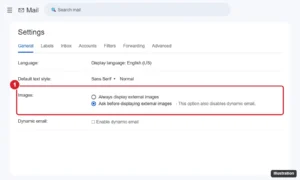
Email Settings General tab with the Images option set to Ask before displaying external images

How to Make Gmail Ask Before Displaying External Images

November 10, 2026January 4, 2018 by Kermit Matthews

Make Gmail ask before displaying external images on a computer, Android, or iPhone to block tracking pixels, and learn what changes when you do. Continue Reading How to Make Gmail Ask Before Displaying External Images

Categories Gmail Tags Pictures
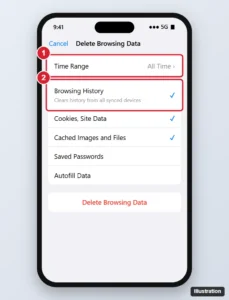
iPhone browser Delete Browsing Data screen with the time range and Browsing History option highlighted and the Delete button

How to Delete Browsing History in Chrome on iPhone

November 12, 2026December 12, 2017 by Kermit Matthews

Delete Chrome browsing history on iPhone for any time range, choose which data to clear, remove individual sites, and manage synced history and activity. Continue Reading How to Delete Browsing History in Chrome on iPhone

Categories iPhone, Chrome Tags chrome, iphone 7
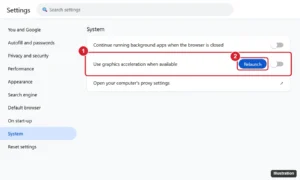
Browser Settings System page with the Use graphics acceleration when available switch and the Relaunch button highlighted

How to Turn Off Hardware Acceleration in Chrome, Edge, Firefox, Discord, and More

November 12, 2026December 2, 2016 by Kermit Matthews

Turn off hardware acceleration in Chrome, Edge, Firefox, Discord, Spotify, Slack, Steam, and Office to fix flickering, black screens, and crashes. Continue Reading How to Turn Off Hardware Acceleration in Chrome, Edge, Firefox, Discord, and More

Categories Chrome, Windows 11
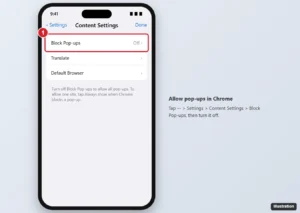
Chrome app on iPhone Content Settings screen with Block Pop-ups highlighted

How to Stop Blocking Pop-ups in the Chrome iPhone App

November 10, 2026December 29, 2012 by Kermit Matthews

In Chrome, tap More > Settings > Content Settings > Block Pop-ups and turn it off, or tap Always show for one site. Safari steps and safety tips too. Continue Reading How to Stop Blocking Pop-ups in the Chrome iPhone App

Categories Chrome, iPhone
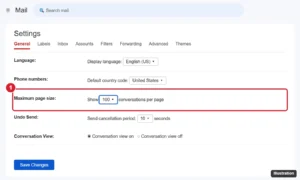
Webmail general settings with the maximum page size set to show 100 conversations per page

How to Show More Conversations per Page in Gmail (Up to 100)

November 14, 2026December 12, 2012 by Kermit Matthews

Show up to 100 conversations per page in Gmail with the Maximum page size setting, and learn to select all emails and fit more on screen. Continue Reading How to Show More Conversations per Page in Gmail (Up to 100)

Categories Gmail
Newer posts
← Previous Page1 … Page11 Page12

Join Our Free Newsletter

Featured guides and deals

You may opt out at any time.
Read our Privacy Policy

Live2Tech

Plain-English, step-by-step guides for the devices and apps you use every day.

Apple

  • iPhone
  • iPad
  • Mac
  • Apple Watch

Windows

  • Windows 11
  • Windows 10

Microsoft Office

  • Word
  • Excel
  • Powerpoint
  • Outlook

Google

  • Google Docs
  • Google Sheets
  • Google Slides
  • Gmail
  • Chrome
  • Google Drive
  • About Us
  • Contact
  • Disclaimer
  • Privacy Policy
© Live2Tech.com 2026
  • iPhone
  • Windows
    • Windows 11
    • Windows 10
  • Office
    • Word
    • Excel
    • Powerpoint
    • Outlook
  • Google
    • Google Docs
    • Google Sheets
    • Google Slides
    • Gmail
    • Chrome
    • Google Drive
  • Mac & Apple
    • Mac
    • iPad
    • Apple Watch
  • All Tutorials