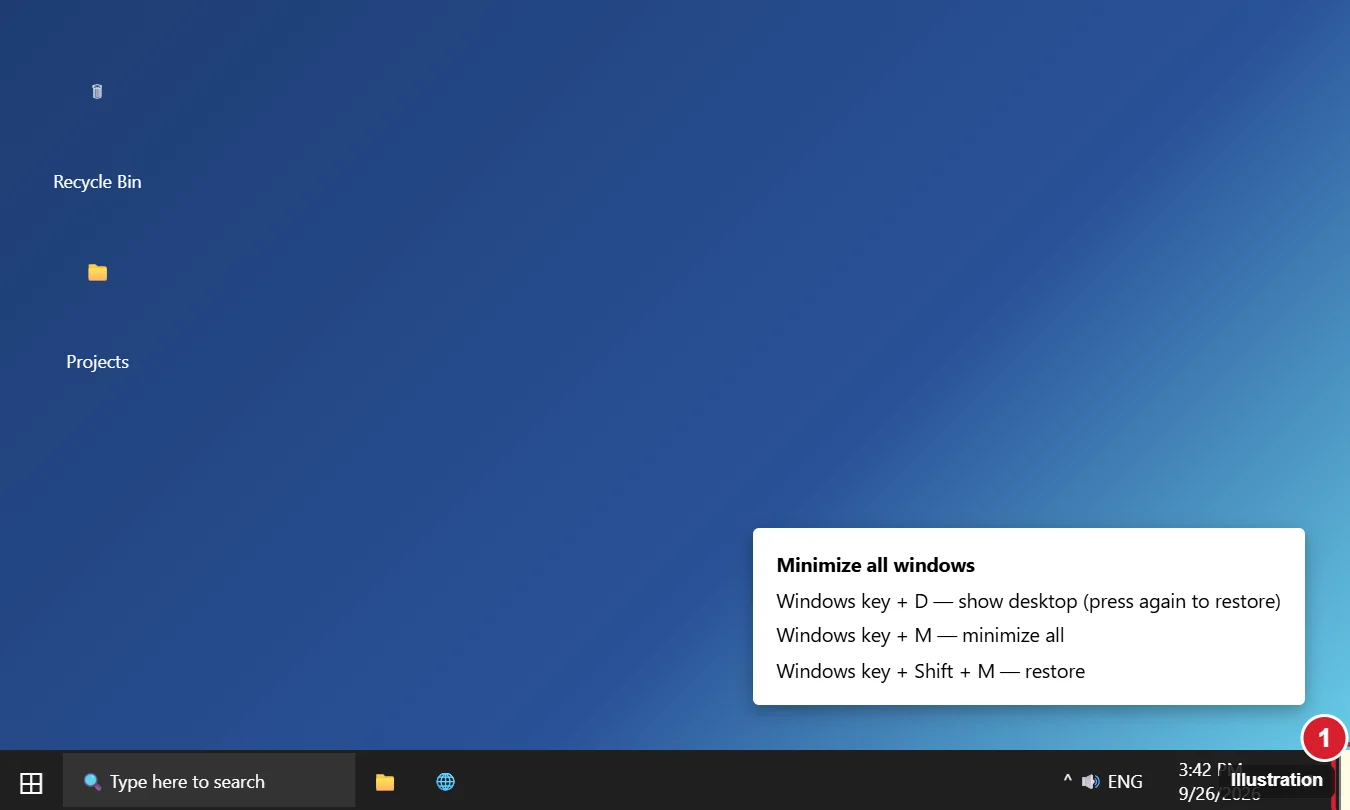
To minimize every open window in Windows 10 and get to your desktop, press Windows key + D. Press it again to restore your windows. Or click the thin Show desktop strip at the far right end of the taskbar. Windows 10 also has other keyboard shortcuts, a taskbar menu, ways to minimize all but one window or a single window, and a Peek preview you can turn on or off.
Keyboard Shortcuts
| Shortcut | What it does |
|---|---|
| Windows + D | Shows the desktop; press again to restore all windows |
| Windows + M | Minimizes all windows |
| Windows + Shift + M | Restores windows minimized with Windows + M |
| Windows + Home | Minimizes all windows except the active one |
| Windows + Down arrow | Restores down, then minimizes the current window |
| Windows + , (comma) | Peeks at the desktop while held |
Windows + D and Windows + M differ in one way: Windows + D also hides windows that can’t be minimized, like some dialogs, and it toggles.
Does this work on Windows 11?
Yes, the shortcuts are the same. Windows 10 reached end of support on October 14, 2025.
Use the Show Desktop Button
- Move the mouse to the bottom-right corner of the screen, past the clock and notification icon.
- Click the narrow vertical strip. All windows minimize.
- Click it again to bring them back.
To preview the desktop by hovering over the button, right-click it and choose Peek at desktop, or turn on Use Peek to preview the desktop in Settings > Personalization > Taskbar.
Use the Taskbar Menu
Right-click an empty part of the taskbar and choose Show the desktop. Choose Show open windows from the same menu to restore them.
Minimize All but One Window (Aero Shake)
- Press Windows + Home to keep only the active window open.
- Or grab the window’s title bar and shake it quickly. This is on by default in Windows 10. If it doesn’t work, it may be turned off by Group Policy (User Configuration > Administrative Templates > Desktop > Turn off Aero Shake window minimizing mouse gesture).
How do I minimize all windows on one monitor only?
Windows doesn’t have a built-in shortcut for that. Use Windows + Home from a window on the monitor you want to keep, or third-party tools.
Minimize a Single Window
- Click the — button at the top right of the window.
- Press Alt + Space, then N.
- Click the app’s taskbar icon while it’s active.
Tablet Mode and Touch
In tablet mode, apps run full screen. Swipe from the left edge or tap Task View to switch apps, or press Windows + D to reach the desktop if tablet mode allows it.
Related: How to Get Out of Full Screen on Windows.
If the Shortcut or Button Doesn’t Work
- Shortcut does nothing: some full-screen games and remote desktop sessions capture the Windows key. Exit full screen first.
- Show desktop button missing: it’s very thin on Windows 10; hover in the corner, or make sure the taskbar isn’t set to auto-hide on another monitor.
- Windows key disabled: some gaming keyboards have a lock key. See how to turn the Windows key back on.
Related: See all open windows.

Kermit Matthews runs Live2Tech from just outside Philadelphia. He is an IT specialist with over 20 years of experience, from a university help desk to small-business IT, IT management and his own consulting practice, and has written tech guides full time since 2020. Steps are checked against the current software on a real device or the maker’s official documentation. More about Kermit.