Wet AirPods should be wiped with a soft, dry, lint-free cloth and left to dry completely, for at least two hours, before you use them or put them back in the charging case, and Apple warns against drying them with heat or compressed air. A wet charging case needs drying too: Apple says to let the case dry and to keep liquid out of its charging ports.
What got wet?
Apple’s advice depends on which part got wet and which model you own. Find your row, then follow the sections below.
| What got wet | First thing to do | Where it is covered |
|---|---|---|
| AirPods or AirPods Pro earbuds | Wipe with a soft, dry, lint-free cloth; let them dry at least two hours outside the case | Dry them the way Apple describes |
| The charging case | Wipe it with a soft, dry, lint-free cloth and let it dry; keep liquid out of the charging ports | Dry the charging case |
| AirPods Max or the Smart Case | Wipe them down with a dry microfiber cloth | AirPods Max |
| AirPods that went through the washing machine or dryer | Dry as above, then check whether they work; contact Apple if not | Wet AirPods answers |
Dry them the way Apple describes
Apple’s sweat and water resistance page for AirPods gives one short procedure for AirPods that come in contact with liquid. Once they are out of the water:
- Wipe them clean with a soft, dry, lint-free cloth.
- Allow them to dry completely, for at least two hours, before using them or placing them in the charging case.
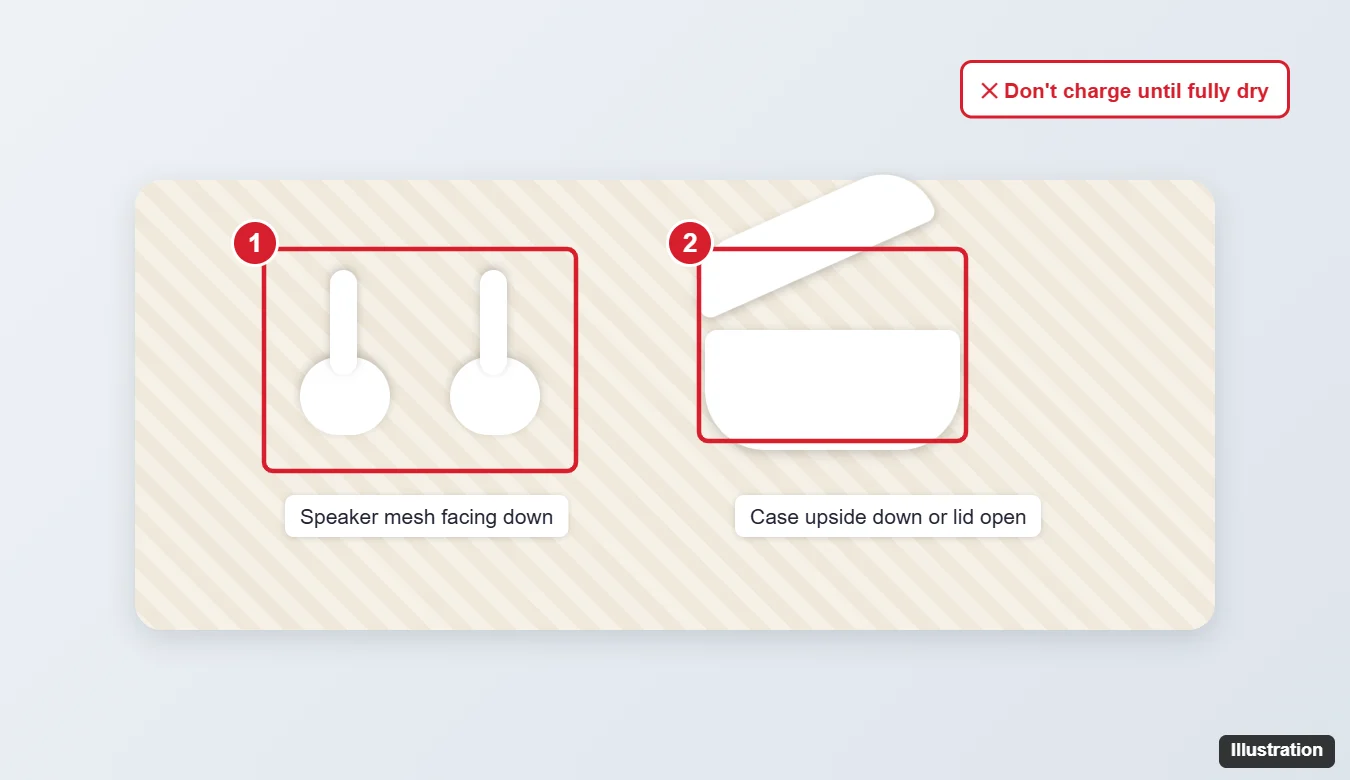
The illustration shows earbuds resting on a soft cloth while they dry, away from the case. Apple’s own steps stop at the cloth and the wait; it gives no particular position for the earbuds.
Two hours is Apple’s minimum, and its wording is “dry completely”. If you can still see moisture, give them more time before they go back in the case. Apple also asks you not to get liquid in the charging ports, which is another reason to wait.
Dry the charging case
Apple’s cleaning pages for AirPods 3, AirPods 4 and AirPods 5 and for AirPods Pro describe the case the same way:
- Wipe the case with a soft, dry, lint-free cloth.
- Allow the charging case to dry.
- Don’t get any liquid in the charging ports, and don’t put anything in the charging ports, to avoid damaging the metal contacts.
- If debris is stuck in the case’s charging port, Apple’s suggestion is a clean, dry, soft-bristled brush.
Apple gives no drying time for the case itself. Let it dry before the AirPods go back in. Some charging cases carry their own water resistance rating and some do not; see the ratings table further down.
What Apple says not to do
Apple’s pages rule out these shortcuts directly:
- Don’t use heat or compressed air to dry your AirPods.
- Don’t run your AirPods under water.
- Don’t use sharp objects or abrasive materials.
- Don’t put anything in the charging ports.
Rice comes up a lot. Apple’s AirPods pages do not mention rice at all, so it is not part of Apple’s procedure; the cloth and the wait are.
Put them back in use
After at least two hours, and once the case is dry, put the AirPods in the case and let them charge.
Apple does not publish a test routine for AirPods after water exposure. If they connect, charge and sound normal, you are done. If they don’t connect, one earbud is silent, or the sound stays muffled after more drying time, move on to the next section.
If they still don’t work after drying
Reset your AirPods
Apple’s How to reset your AirPods and AirPods Pro page starts the same way for every model:
- Put the AirPods in the charging case, close the lid and wait 30 seconds.
- On your iPhone or iPad, go to Settings > Bluetooth, tap the More Info button next to your AirPods, tap Forget This Device, then tap again to confirm.
- Open the lid of the case.
The last step depends on the model:
- AirPods (1st, 2nd and 3rd generation), AirPods Pro (1st and 2nd generation): press and hold the setup button on the back of the case for about 15 seconds, until the status light flashes amber, then flashes white.
- AirPods 4, AirPods 5 and AirPods Pro 3: double-tap the front of the case while the status light is on. Double-tap again when the status light flashes white, and a third time when it flashes faster. The light flashes amber, then white.
Then reconnect the AirPods by holding the open case near your iPhone and following the steps on screen. If you also use them with a PC, pair them again with connecting AirPods to Windows. Apple’s reset page does not cover AirPods Max.
Get service from Apple
If a reset does not help, the next stop is Apple. Apple’s AirPods repair page lists the routes: the Genius Bar, an Apple Authorized Service Provider, or sending them in by mail with a prepaid shipping box Apple provides. Apple says its warranty doesn’t cover accidental damage. Apple’s repair page says that with AppleCare, your AirPods and charging case are covered for unlimited repairs for drops and spills; check your plan on Apple’s AppleCare page.
If one earbud is missing rather than broken, try Find My first; what to do when Find My says Sound Pending covers Play Sound and Lost Mode.
Water resistance by model
Ratings tell you how much water a model is built to handle, which helps you judge the odds after a soaking. Apple’s figures:
| Model | Apple’s rating |
|---|---|
| AirPods Pro (1st generation) | IPX4 sweat and water resistant for non-water sports and exercise; Apple says its charging cases are not water resistant or sweat resistant |
| AirPods 3 (Lightning or MagSafe case); AirPods Pro 2 with the Lightning MagSafe Charging Case | IPX4 |
| AirPods Pro 2 with the USB-C MagSafe Charging Case; AirPods 4 and AirPods 4 with Active Noise Cancellation | IP54 dust, sweat and water resistant |
| AirPods Pro 3 and its USB-C MagSafe Charging Case; AirPods 5 (both models) and their charging cases | IP57, to a maximum depth of 1 meter for up to 30 minutes |
| AirPods (1st and 2nd generation) | Not listed on Apple’s water resistance page |
| AirPods Max and Smart Case | Apple says they aren’t waterproof or water resistant |
Two points from Apple apply to every rated model. First, AirPods are not waterproof or sweatproof, and they aren’t designed for water sports like swimming, or for showering. Second, sweat, water and dust resistance aren’t permanent and can diminish over time, and AirPods and their cases can’t be rechecked or resealed. An older pair may handle water worse than its rating suggests.
If you are comparing AirPods with other earbuds partly for water resistance, see how AirPods differ from regular earbuds.
AirPods Max
Apple’s AirPods Max cleaning page says to be careful not to get moisture in any openings. If AirPods Max or the Smart Case come in contact with liquid, Apple’s instruction is to wipe them down with a dry microfiber cloth, and not to run them under water.
Wet AirPods answers
Can I wear AirPods in the shower or the pool?
No. Apple lists these as things to avoid: placing AirPods under running water, such as a shower or faucet; swimming with them; wearing them in a sauna or steam room; and exposing them to high-velocity water, such as while water skiing.
My AirPods went through the washing machine. Now what?
Apple’s guidance is simply not to put AirPods in the washing machine or dryer, and it publishes no separate recovery steps for it. Dry them as described above, try them after the wait, and contact Apple if they do not work.
Are AirPods 5 and AirPods Pro 3 safe to submerge?
They have the highest rating, IP57, and Apple’s “don’t submerge” warning names only AirPods Pro 1, AirPods Pro 2, AirPods 3 and AirPods 4. The IP57 rating covers a depth of up to 1 meter for up to 30 minutes, but Apple still says not to swim with AirPods, and resistance can diminish over time. Dry them the same way after any soaking.
What about sunscreen, soap or lotion?
For substances like those, Apple says to wipe the AirPods with a cloth slightly dampened with fresh water, then dry them with a soft, dry, lint-free cloth and let them dry before use.
If they still fail after drying and a reset, start a repair from Apple’s AirPods repair page.

Kermit Matthews runs Live2Tech from just outside Philadelphia. He is an IT specialist with over 20 years of experience, from a university help desk to small-business IT, IT management and his own consulting practice, and has written tech guides full time since 2020. Steps are checked against the current software on a real device or the maker’s official documentation. More about Kermit.