Skip to content
Live2Tech
  • iPhone
  • Windows
    • Windows 11
    • Windows 10
  • Office
    • Word
    • Excel
    • Powerpoint
    • Outlook
  • Google
    • Google Docs
    • Google Sheets
    • Google Slides
    • Gmail
    • Chrome
    • Google Drive
  • Mac & Apple
    • Mac
    • iPad
    • Apple Watch
  • All Tutorials

Word

How-to guides and tutorials to help you perform specific tasks and use the Microsoft Word word-processing application.

Word for the web Insert tab with Page Numbers open and the bottom center position highlighted

How to Add Page Numbers in Word Online (Word for the Web)

September 24, 2026July 26, 2018 by Kermit Matthews

Add page numbers in Word for the web from Insert > Page Numbers, show Page X of Y, skip the first page, and see which options need the desktop app. Continue Reading How to Add Page Numbers in Word Online (Word for the Web)
Categories Word Tags Page Numbers, Word Online
how to change margins in word online

How to Change Margins in Word Online

October 11, 2026July 24, 2018 by Kermit Matthews

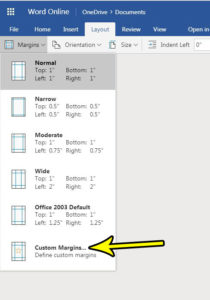
When you create a new document in Word Online, the size of the margins will use the “Normal” option by default. This means that the… Continue Reading How to Change Margins in Word Online

Categories Word
how to delete all of the information from the header in word 2013

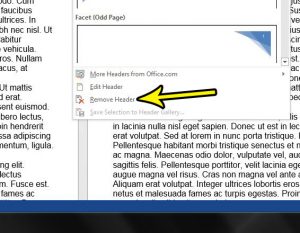
How to Delete All of the Information from the Header in Word 2013

May 3, 2023March 7, 2018 by Kermit Matthews

Does your Word document header contain a lot of information? It’s not uncommon to put page numbers, an author name, and a title in that… Continue Reading How to Delete All of the Information from the Header in Word 2013

Categories Word
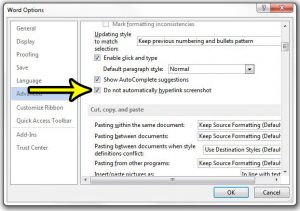
how to stop hyperlinking screenshots in word 2013

How to Stop Automatically Hyperlinking Screenshots in Word 2013

October 20, 2026October 10, 2017 by Kermit Matthews

Hyperlinks in a Word document are useful when you have some extra information, such as a website, that your document readers might find helpful. But… Continue Reading How to Stop Automatically Hyperlinking Screenshots in Word 2013

Categories Word Tags word 2013
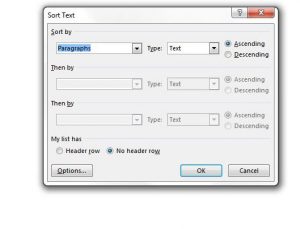
how to sort a list in word 2013

How to Sort a List Alphabetically in Word 2013

October 20, 2026July 26, 2017 by Kermit Matthews

Microsoft Excel is very helpful when you have a lot of data that you want to sort or manipulate. But you may find yourself working… Continue Reading How to Sort a List Alphabetically in Word 2013

Categories Word Tags word 2013
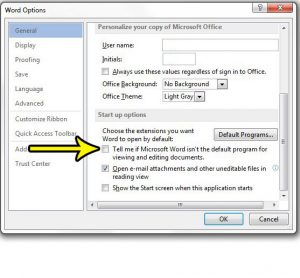
how to turn off the word 2013 default program nag

How to Turn Off the Default Program Nag in Word 2013

April 25, 2023July 18, 2017 by Kermit Matthews

When you double-click a file on your computer, Windows will choose to open that file in whichever program is currently set as the default option… Continue Reading How to Turn Off the Default Program Nag in Word 2013

Categories Word Tags word 2013
Word processor Home tab with the Text Effects menu open to Outline, showing outline colors and weight options, and outlined text on the page

How to Outline Text in Word

October 11, 2026July 12, 2017 by Kermit Matthews

Outline text in Word with Home > Text Effects > Outline, set color and weight, make hollow letters with Format Text Effects, and remove outlines. Continue Reading How to Outline Text in Word

Categories Word Tags word 2013
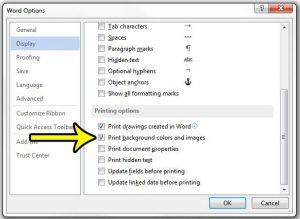
how to print background colors and pictures in word 2013

How to Print Background Colors and Images in Word 2013

May 20, 2023July 5, 2017 by Kermit Matthews

You can create a variety of different document types in Word 2013, some of which may incorporate a lot of colors and images to draw… Continue Reading How to Print Background Colors and Images in Word 2013

Categories Word Tags word 2013
how to clear formatting in word 2013

How to Clear Formatting from a Selection in Word 2013

May 18, 2023June 14, 2017 by Kermit Matthews

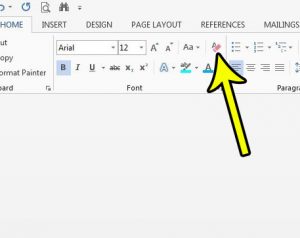
Text in a Microsoft Word document can be formatted in a number of ways. You can change the font, the color, you can bold, italicize… Continue Reading How to Clear Formatting from a Selection in Word 2013

Categories Word Tags word 2013
how to hide white space in print layout view in word

How to Hide the White Space Between Pages in Print Layout in Word 2013

October 20, 2026June 7, 2017 by Kermit Matthews

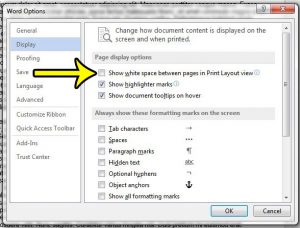
The Print Layout view is typically the default view in Microsoft Word 2013, as it provides a nice balance between showing you what your document… Continue Reading How to Hide the White Space Between Pages in Print Layout in Word 2013

Categories Word Tags word 2013
Windows File Explorer with several documents selected and the right-click menu open, the Print option highlighted

How to Print Multiple Word Documents at Once

November 5, 2026May 23, 2017 by Kermit Matthews

Print multiple Word documents at once from File Explorer (up to 15 at a time), combine them into one print job, and fix a missing Print option. Continue Reading How to Print Multiple Word Documents at Once

Categories Word
Word processor print settings with the Pages per sheet option set to 2 Pages Per Sheet and a two-up print preview

How to Print Two Pages on One Sheet in Word

September 27, 2026May 2, 2017 by Kermit Matthews

Print two pages on one sheet in Word with File > Print > 2 Pages Per Sheet, add double-sided printing for four, print booklets, and use Mac Layout options. Continue Reading How to Print Two Pages on One Sheet in Word

Categories Word Tags word 2013
Word processor View tab with the Gridlines checkbox highlighted and a page showing gridlines

How to Remove Gridlines in Word 2013 (Page and Table Gridlines)

September 25, 2026April 18, 2017 by Kermit Matthews

Remove gridlines in Word 2013 and later: hide page gridlines on the View tab, turn off table gridlines, and remove table borders that print. Continue Reading How to Remove Gridlines in Word 2013 (Page and Table Gridlines)

Categories Word Tags word 2013
Word processor Layout tab with the Hyphenation menu open and None highlighted

How to Turn Hyphenation On or Off in Word

September 27, 2026February 23, 2017 by Kermit Matthews

Turn off hyphenation in Word 2013 and later with Layout > Hyphenation > None, turn it back on, stop it for one paragraph, and remove leftover hyphens. Continue Reading How to Turn Hyphenation On or Off in Word

Categories Word Tags word 2013
Symbol dialog with a check mark character selected in a symbol font

How to Insert a Check Mark in Word

October 11, 2026January 4, 2017 by Kermit Matthews

Insert a check mark in Word with Insert > Symbol (Wingdings 252), by typing 2713 then Alt + X, or add a clickable check box from the Developer tab. Continue Reading How to Insert a Check Mark in Word

Categories Word Tags word 2013
Font dialog with the Set As Default button highlighted

How to Change the Font for an Entire Document in Word 2013

September 28, 2026December 12, 2016 by Kermit Matthews

Change the font for a whole Word 2013 document with Ctrl+A, or make it the default with the Font dialog and Set As Default. Continue Reading How to Change the Font for an Entire Document in Word 2013

Categories Word
how to add filler or placeholder text in word 2013

How to Add Filler Text in Word 2013

October 20, 2026November 2, 2016 by Kermit Matthews

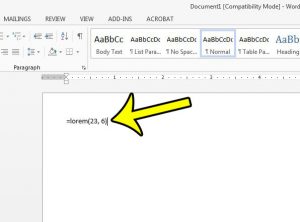
If you ever find yourself in a situation where you need to present a rough draft of a document or project, but none of the… Continue Reading How to Add Filler Text in Word 2013

Categories Word Tags word 2013
Word processor View tab with the Ruler checkbox selected and the horizontal and vertical rulers showing

How to Show the Ruler in Word (Horizontal and Vertical)

October 20, 2026October 27, 2015 by Kermit Matthews

Show the ruler in Word from View > Ruler, turn on the vertical ruler in Word Options, and fix a missing ruler in Word 2013 through Microsoft 365. Continue Reading How to Show the Ruler in Word (Horizontal and Vertical)

Categories Word Tags word 2013
Newer posts
← Previous Page1 … Page7 Page8

Join Our Free Newsletter

Featured guides and deals

You may opt out at any time.
Read our Privacy Policy

Live2Tech

Plain-English, step-by-step guides for the devices and apps you use every day.

Apple

  • iPhone
  • iPad
  • Mac
  • Apple Watch

Windows

  • Windows 11
  • Windows 10

Microsoft Office

  • Word
  • Excel
  • Powerpoint
  • Outlook

Google

  • Google Docs
  • Google Sheets
  • Google Slides
  • Gmail
  • Chrome
  • Google Drive
  • About Us
  • Contact
  • Disclaimer
  • Privacy Policy
© Live2Tech.com 2026
  • iPhone
  • Windows
    • Windows 11
    • Windows 10
  • Office
    • Word
    • Excel
    • Powerpoint
    • Outlook
  • Google
    • Google Docs
    • Google Sheets
    • Google Slides
    • Gmail
    • Chrome
    • Google Drive
  • Mac & Apple
    • Mac
    • iPad
    • Apple Watch
  • All Tutorials