
How to Center a Google Docs Table
Center a table in Google Docs with Table properties > Alignment > Center, center text in cells horizontally and vertically, and fix tables that won’t move. Continue Reading How to Center a Google Docs Table
Center a table in Google Docs with Table properties > Alignment > Center, center text in cells horizontally and vertically, and fix tables that won’t move. Continue Reading How to Center a Google Docs Table

Add columns to a Word table with the Layout tab, right-click menu, or plus sign. Add several at once and fix column widths afterward. Continue Reading How to Add Columns to a Table in Word for Office 365
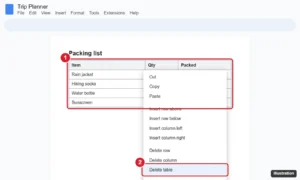
Delete a table in Google Docs on a computer, Android, or iPhone, remove only rows or columns, keep the text without the table, or hide the borders instead. Continue Reading How to Delete a Table in Google Docs (Computer and Mobile)