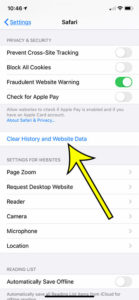
How to Check History on iPhone 6
When you visit a website in the Safari browser on your iPhone, that page is saved to your history. Use these steps if you need… Continue Reading How to Check History on iPhone 6
When you visit a website in the Safari browser on your iPhone, that page is saved to your history. Use these steps if you need… Continue Reading How to Check History on iPhone 6
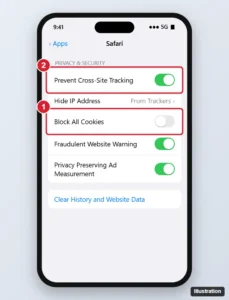
Enable cookies in Safari on iPhone 11 or any iPhone by turning off Block All Cookies, allow cross-site cookies when a site needs them, and fix sign-in problems. Continue Reading How to Enable Cookies in Safari on iPhone (11 and Other Models)

Stop your iPhone from speaking letters and words as you type by turning off Typing Feedback in Spoken Content, or VoiceOver if the whole screen is read. Continue Reading How to Stop Your iPhone From Speaking Words While You Type