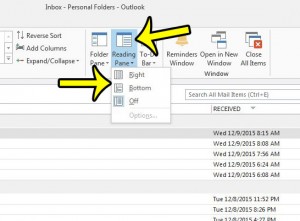
Where Did My Reading Pane Go in Outlook 2013?
If you open Outlook 2013 and find that all of the email messages in your inbox are displayed as a list, and the window that… Continue Reading Where Did My Reading Pane Go in Outlook 2013?
How-to guides and tutorials to help you perform specific tasks and use the Microsoft Outlook application to manage your emails.
If you open Outlook 2013 and find that all of the email messages in your inbox are displayed as a list, and the window that… Continue Reading Where Did My Reading Pane Go in Outlook 2013?
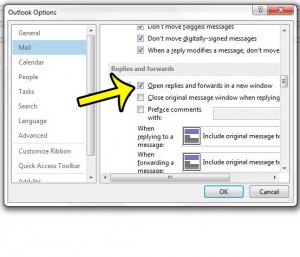
You may have noticed that you seem to have a lot more options for composing an email message in Outlook 2013 when you are creating… Continue Reading How to Open Replies in a New Window By Default in Outlook 2013
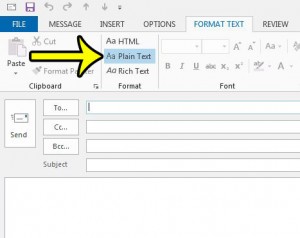
Microsoft Outlook 2013 provides you with three different formats in which you can send new email messages. You can select from HTML, Plain Text, and… Continue Reading How to Send an Email as Plain Text in Outlook 2013
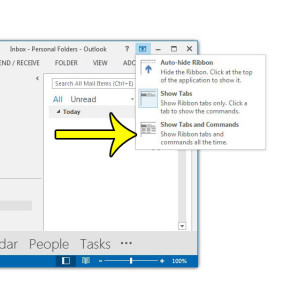
Microsoft Outlook 2013, like Outlook 2010 and Outlook 2007 before it, utilizes a navigation structure referred to as “the ribbon.” There are several tabs at… Continue Reading Where is the Ribbon in Outlook 2013?
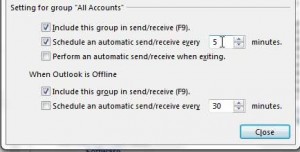
Once you have set up your email account in Outlook 2013, the program will automatically start checking your email server for new messages. This is… Continue Reading How to Make Outlook Check for Mail More Often in Outlook 2013