
How to Lock an Image to a Cell in Excel
Lock a picture to a cell in Excel with Move and size with cells or Place in Cell, and protect the sheet so images can’t be moved or deleted. Continue Reading How to Lock an Image to a Cell in Excel
How-to guides and tutorials to help you perform specific tasks and use products and applications made by Microsoft.
Lock a picture to a cell in Excel with Move and size with cells or Place in Cell, and protect the sheet so images can’t be moved or deleted. Continue Reading How to Lock an Image to a Cell in Excel
Set Excel column width and row height in inches using Page Layout view, change ruler units, and learn how Excel character widths convert. Continue Reading How to Set Excel Column Width in Inches

Turn off hyphenation in Word 2013 and later with Layout > Hyphenation > None, turn it back on, stop it for one paragraph, and remove leftover hyphens. Continue Reading How to Turn Hyphenation On or Off in Word
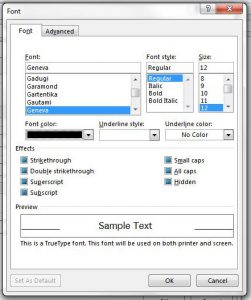
The default settings in Outlook 2013 are typically fine for most users, but you might eventually decide to change some options, such as how often… Continue Reading How to Change the Default Font in Outlook 2013
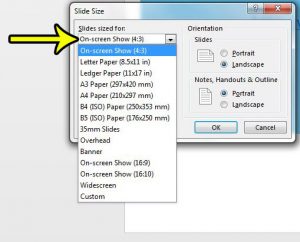
You might find that you need to change the slide size in Powerpoint 2013 if you have a project where the default size selection is… Continue Reading How to Change the Slide Size in Powerpoint 2013

Find square roots in Excel with =SQRT(A2) or =A2^(1/2), calculate cube and nth roots, handle negative numbers and show the square root symbol. Continue Reading How to Find the Square Root in Excel
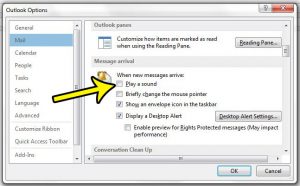
Notifications are an important part of your smartphone and many of the programs that you use on your computer, as they allow you to work… Continue Reading How to Turn Off the New Email Notification Sound in Outlook 2013

Send a folder in Outlook by zipping it and attaching the ZIP, or share it with a OneDrive link to avoid attachment size limits. Covers Windows, Mac and web. Continue Reading How to Send a Folder in Outlook (Zip or Share a Link)

Insert a new worksheet in Excel with the + button, Shift + F11, Home > Insert > Insert Sheet, or a right-click, and add several sheets at once. Continue Reading How to Insert a New Worksheet in Excel (4 Ways)

Keep the top row visible in Excel with Freeze Top Row, freeze multiple rows or columns, unfreeze panes, and fix Freeze Panes when it’s grayed out. Continue Reading How to Keep the Top Row Visible in Excel

Insert a check mark in Word with Insert > Symbol (Wingdings 252), by typing 2713 then Alt + X, or add a clickable check box from the Developer tab. Continue Reading How to Insert a Check Mark in Word
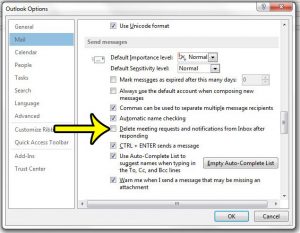
Outlook 2013 allows its users to send meeting requests among one another. Accepting the request will add it to your Outlook calendar, while deleting it… Continue Reading How to Stop Deleting Meeting Request Emails in Outlook 2013

Stop Excel from changing numbers to dates by formatting cells as Text, typing an apostrophe, entering fractions correctly, or importing CSVs as text. Continue Reading How to Stop Excel from Changing Numbers to Dates
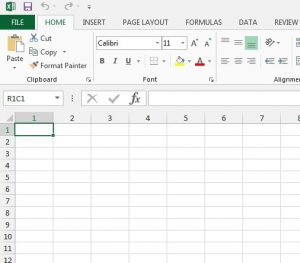
After using Excel for an extended period of time, you become very familiar with the way that the program operates. As such, you probably begin… Continue Reading Why Are My Columns Labeled With Numbers Instead of Letters in Excel 2013?
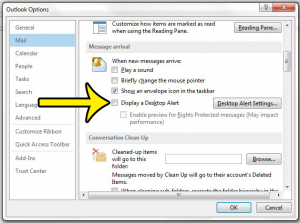
One of the notification types utilized by Outlook 2013 involves a pop-up “desktop Alert” that appears in a blue box at the bottom-right corner of… Continue Reading How to Disable the Outlook 2013 Notification That Appears at the Bottom Right Corner of the Screen

Change the font for a whole Word 2013 document with Ctrl+A, or make it the default with the Font dialog and Set As Default. Continue Reading How to Change the Font for an Entire Document in Word 2013
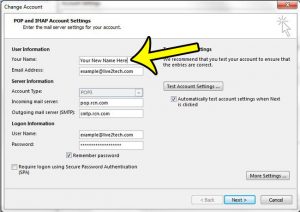
If you have recently changed your name, or if you have started to use a colleague’s work email (such as a customer service or general… Continue Reading How to Change Your Name On Emails That You Send From Outlook 2013
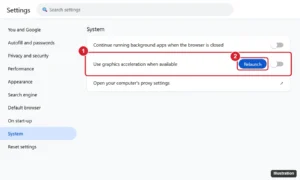
Turn off hardware acceleration in Chrome, Edge, Firefox, Discord, Spotify, Slack, Steam, and Office to fix flickering, black screens, and crashes. Continue Reading How to Turn Off Hardware Acceleration in Chrome, Edge, Firefox, Discord, and More
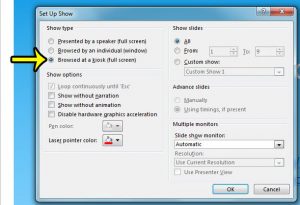
Powerpoint is great when you need to manually present information in front of a group of people, but what if there is something that you… Continue Reading How to Enable Kiosk Mode in Powerpoint 2013
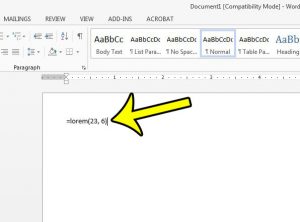
If you ever find yourself in a situation where you need to present a rough draft of a document or project, but none of the… Continue Reading How to Add Filler Text in Word 2013
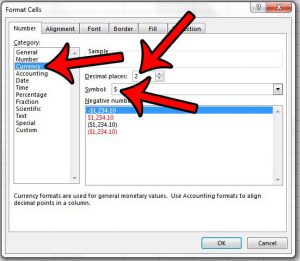
A cell in a Microsoft Excel spreadsheet can contain many different types of information. Some of those types of information, such as numerical values, can… Continue Reading How to Show a Dollar Sign to the Left of a Number in Excel 2013
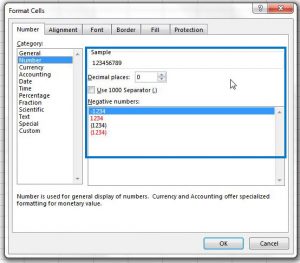
Excel 2013 can do a very good job of automatically detecting the type of information that you have entered into a cell. Unfortunately it does not… Continue Reading How to Apply Number Formatting to a Cell in Excel 2013
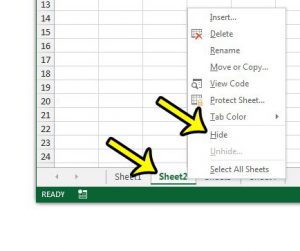
Excel spreadsheets provide a simple and effective way to communicate data with another person. But not everyone that views a particular Excel file might need to… Continue Reading How to Hide a Worksheet in Excel 2013

Speaker notes are very important to have when you are giving a Powerpoint presentation in front of an audience, and you haven’t memorized the entire… Continue Reading How to Print Powerpoint with Notes (Powerpoint 2013)

Emails that you receive contain a lot of information about where the message was sent from. This information is contained in a location called the… Continue Reading How to View Full Email Headers in Outlook 2013
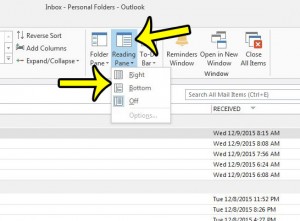
If you open Outlook 2013 and find that all of the email messages in your inbox are displayed as a list, and the window that… Continue Reading Where Did My Reading Pane Go in Outlook 2013?

Merging and centering in Excel 2013 is a useful setting when you are creating a report in a spreadsheet, and are trying to improve its… Continue Reading How to Center Text Across Multiple Cells in Excel 2013

The row numbers at the left side of your worksheet, and the column letters at the top of it, are arguably the two most important… Continue Reading How to Unhide Row Numbers and Column Letters in Excel 2013
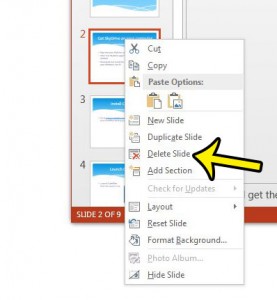
Last updated: March 16, 2019 A presentation that you create in Powerpoint 2013 may undergo a number of changes from the initial draft. These changes may… Continue Reading How to Delete a Slide in Powerpoint 2013
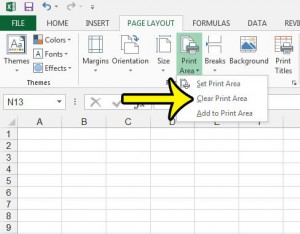
Setting a print area in Excel 2013 is beneficial when you have a large spreadsheet, but only need to print some of it. The print… Continue Reading How to Clear a Print Area in Excel 2013

Show the menu bar in Windows 7 Explorer with the Alt key, or turn it on permanently with Organize > Layout > Menu bar or Always show menus. Continue Reading How to Show the Menu Bar in Windows 7 Explorer

Set Excel to manual calculation in Formulas > Calculation Options, recalculate with F9, and switch back to automatic. Continue Reading How to Switch to Manual Calculation in Excel
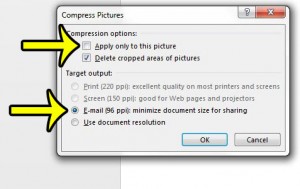
Hard drive capacity is continuously increasing on laptop and desktop computers, making storage space for your files a little easier to come by. But many… Continue Reading Compressing Pictures in Powerpoint 2013
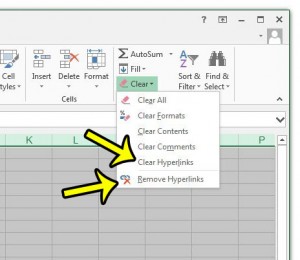
When you enter an address for a Web page into a cell in Microsoft Excel 2013, the program will automatically format that address as a… Continue Reading How to Remove All Hyperlinks in Excel 2013

Show the ruler in Word from View > Ruler, turn on the vertical ruler in Word Options, and fix a missing ruler in Word 2013 through Microsoft 365. Continue Reading How to Show the Ruler in Word (Horizontal and Vertical)
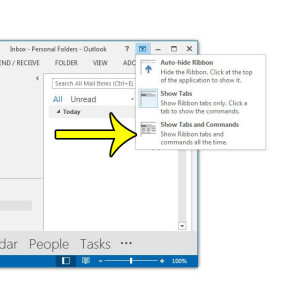
Microsoft Outlook 2013, like Outlook 2010 and Outlook 2007 before it, utilizes a navigation structure referred to as “the ribbon.” There are several tabs at… Continue Reading Where is the Ribbon in Outlook 2013?
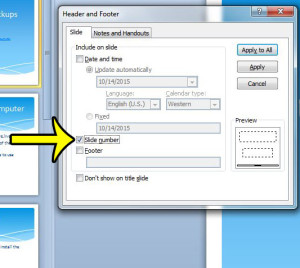
It is very easy to get distracted or lost when you are giving a Powerpoint 2010 presentation, especially if you are not using any speaker… Continue Reading How to Add Page Numbers in Powerpoint 2010
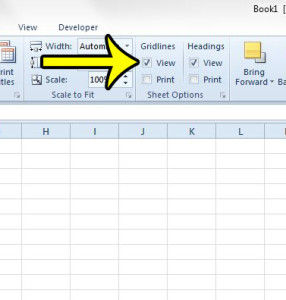
The gridlines that separate your cells in a Microsoft Excel 2010 spreadsheet are helpful for keeping cells visually distinct from one another. So when those… Continue Reading Where Did the Gridlines Go in Excel 2010?
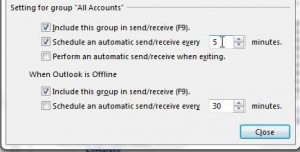
This article contains affiliate links. If you buy through one of them, Live2Tech may earn a commission at no extra cost to you. As an… Continue Reading How to Make Outlook Check for Mail More Often in Outlook 2013